Do You Need a Home Phone for Fax?
- FAXAGE Blog Home
- How to Send an International Fax Online
- Online Fax vs. Secure File Sharing: Which is Better for Sensitive Documents?
- Do You Need a Home Phone for Fax?
- Fax Retention Policies: How Long Should Businesses Keep Faxes?
- DOWNLOADABLE: Free Fax Cover Sheet Template
- The Evolution of Faxing: Then & Now
- How to Use Fax Logs & Audit Trails for Better Reporting
- HIPAA Compliant Fax Cover Sheet
- UPDATED: Top Features to Look for in an Online Fax Service in 2026
- How to Tell if a Fax Went Through
- How to Send a Fax from iPhone Without an App
- How Long Does Faxing Take?
- Where Can You Go to Fax Something?
- API-Based Faxing: What Developers Should Know About Fax Integration
- How to Choose the Right Online Fax Plan for Your Business Size
- 10 Medical Professionals Discuss Online Faxing
- 10 Legal Experts Weigh In on Online Faxing
- Why Online Faxing is Imperative in the Legal Field
- Are Free Online Fax Services Safe?
- Are Online Fax Services Secure?
- FAXAGE Earns HITRUST Recertification
- Enhancing Year-End Tax Preparations with Online Faxing
- How to Transition Your Business from Traditional Faxing to Online Faxing: A Step-by-Step Guide
- Introducing FAXAGE System Status Monitoring
- Cost-Saving Strategies: How Online Faxing Reduces Overhead Expenses
- 50 Experts Weigh In: Entrepreneurs on HIPAA-Compliant Faxing
- HIPAA Compliant Faxing: Experts Weigh In On Why It Matters
- How to Send a Fax Without a Fax Machine
- Mobile Faxing: How Do I Fax From My Phone?
- The Millenial/Gen Z Guide to Faxing
- Faxing in a Hybrid or Remote Work Environment
- The Environmental Impact of Online Faxing
- FAXAGE Adds SSL Fax Capability
- FAXAGE Earns HITRUST Certification
- How Different Industries Use Online Fax
- FAXAGE App Released
- COVID-19 & Cloud Faxing
- FAXAGE Reviewed by FitSmallBusiness
- FAXAGE Adds SSO
- Faxploit Information
- Security Auditing Added
- Ottawa fax numbers added
- Vancouver fax numbers added
- London fax numbers added
- Hamilton fax numbers added
- Toronto fax numbers added
- Alaska fax numbers added
- Enhanced fax spam blocking features
- Toll Free Fax Numbers in 844 Released
- Secure Email to Fax with Thunderbird
- Toll Free 844 Coming Soon
- Free Software - FAXAGE Staff Member Picks
- Scan to Fax Tips
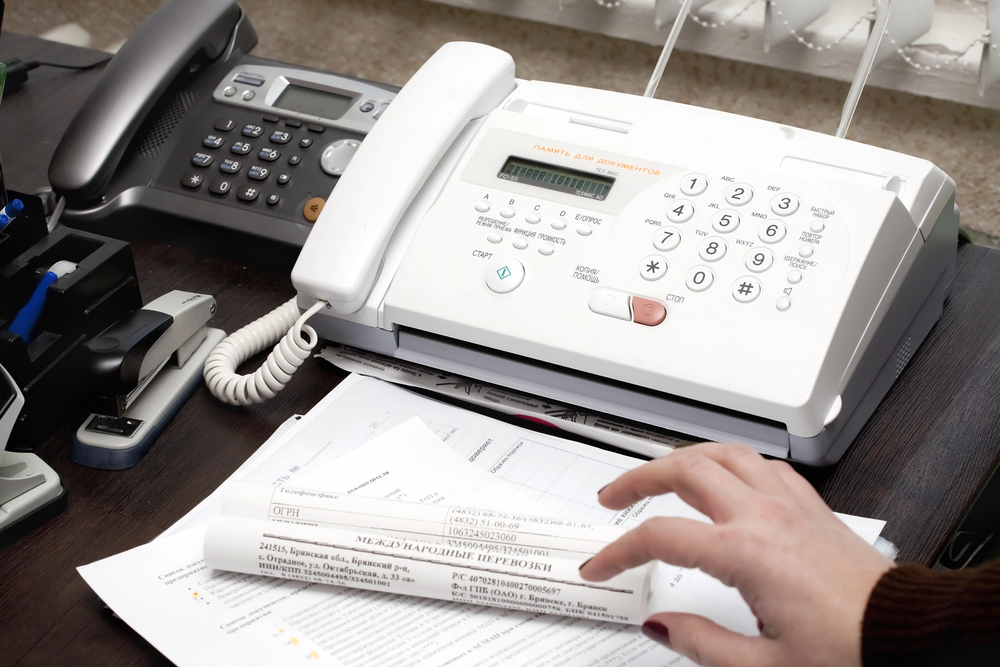
For years, faxing and phone lines went hand in hand. If you had a fax machine at home or in the office, you typically needed a dedicated landline, a working phone jack, toner, paper, and a machine that was always ready to send or receive documents. That setup worked for decades, but it is no longer the only option.
So, do you need a home phone for fax? In most cases, no. If you are using an online fax service, you can send and receive faxes without a home phone line, fax machine, or traditional landline connection. Instead, you can fax through an internet-connected device like a computer, smartphone, or tablet.
That is one reason more individuals, remote workers, and businesses are moving to online faxing. With a service like FAXAGE, users can send and receive faxes through email, the web, mobile app, or API, while still communicating with recipients who use traditional fax machines.
In other words, faxing still works the way recipients expect, but you no longer need to maintain a home phone line just to use it.
Do You Need a Home Phone Line to Send a Fax?
You only need a home phone line if you are using a traditional physical fax machine that connects through a landline. Traditional fax machines transmit documents over telephone networks, which is why older setups required either a dedicated fax line or a shared home phone line.
However, if you use an online fax service, you do not need a home phone line. Online faxing allows you to send and receive fax documents over the internet. The service handles the fax transmission, so you can work from your computer, phone, or tablet without plugging anything into a wall jack.
This makes online faxing especially useful for people who no longer have a landline at home. Many households have replaced home phones with mobile phones, while many businesses have moved away from traditional phone infrastructure. Online faxing fits that modern workflow because it does not require a physical machine or dedicated phone service.
How Traditional Faxing Works
Traditional faxing depends on a fax machine, a telephone connection, and a recipient fax number. When you send a document, the machine scans the page, converts it into a signal, and transmits that signal through the phone line to another fax machine. The receiving machine then prints the document.
This process is familiar, but it comes with several drawbacks. You need a working fax machine, a phone line, paper, ink or toner, and a location where the machine can stay connected. If you receive faxes, the machine must be powered on and supplied with paper. If you share the line with a home phone, you may also run into conflicts between voice calls and fax transmissions.
For occasional home faxing, this can feel like too much equipment for a simple task. For businesses, it can create even more complexity, especially when teams are remote, hybrid, or spread across multiple locations.
How Online Faxing Works Without a Home Phone
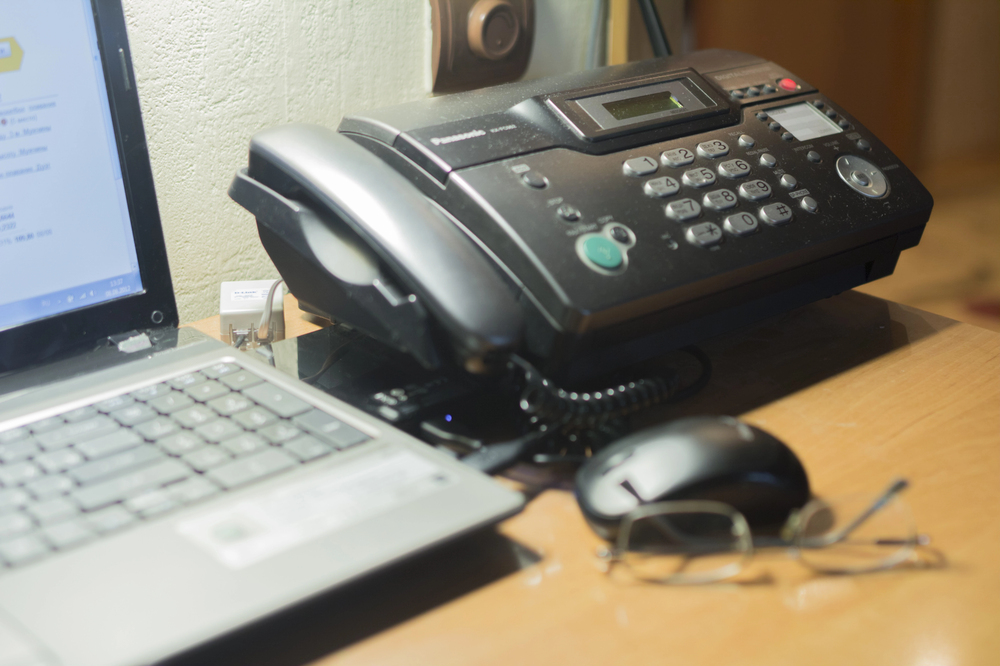
Online faxing replaces the physical fax machine and phone line with a digital platform. Instead of feeding a paper document into a fax machine, you upload a file, attach it to an email, or send it through a web portal or mobile app. The online fax service then transmits the fax to the recipient’s fax number.
The recipient does not need to use online faxing for this to work. If they have a traditional fax machine, they can still receive the fax as usual. That compatibility is one of the biggest advantages of using a service like FAXAGE online faxing. You get the convenience of digital faxing while still being able to communicate with organizations that rely on traditional fax numbers.
With online faxing, you typically need only three things: an internet connection, a device, and an online fax account. That means no home phone line, no fax machine, and no dedicated fax hardware.
Can You Fax From Email?
Yes. Email faxing is one of the easiest ways to fax without a home phone line. With an email fax service, you can send a fax directly from your email account by attaching the document and entering the recipient’s fax number in the required format.
This is especially convenient for documents that are already digital, such as PDFs, Word documents, forms, contracts, invoices, or scanned files. Instead of printing the document and running it through a fax machine, you can send it directly from your inbox.
Receiving faxes by email is also more convenient than waiting by a machine. Incoming faxes can be delivered digitally, allowing you to save, organize, forward, or print them only when needed. This helps reduce paper waste and makes it easier to keep records.
Can You Fax From a Cell Phone?
Yes. You can fax from a smartphone without a home phone line. With the FAXAGE mobile fax app, users can send and receive faxes from iOS or Android devices.
Mobile faxing is useful when you need to send a document quickly but do not have access to office equipment. For example, you can take a photo of a signed form, upload a stored PDF, or access a document from your device and fax it from wherever you are.
This is helpful for remote workers, small business owners, traveling professionals, healthcare administrators, legal teams, real estate agents, and anyone who needs fax access without being tied to a physical location. Instead of asking, “Where can I find a fax machine?” you can simply fax from your phone.
Can You Receive Faxes Without a Landline?
Yes. Online faxing also allows you to receive faxes without a home phone or landline. When you sign up for an online fax service, you can use a fax number that receives incoming faxes digitally. The fax is then delivered through your account, email, or secure download option, depending on your settings.
This is a major advantage for home offices and small businesses. You can maintain a fax number without installing a separate phone line. You can also access received documents without being physically near a fax machine.
For companies that receive a high volume of inbound faxes, FAXAGE business internet fax plans offer flexible options for different usage levels. For individuals or occasional users, individual internet fax plans provide a more practical alternative to paying for a phone line and maintaining a fax machine.
When Would You Still Need a Phone Line for Faxing?
You may still need a phone line if you want to keep using a traditional fax machine exactly as-is. Some businesses already have fax hardware built into their workflows, and they may prefer to keep that equipment for a period of time during a transition.
However, even businesses that still exchange faxes with traditional machines do not necessarily need to keep their own fax machine. Online fax services remain compatible with traditional fax recipients, which means the other party can still receive a fax on their machine while you send it digitally.
A phone line may also be relevant if a specific internal process requires legacy fax equipment. But for most home users, freelancers, small businesses, and modern teams, online faxing is the simpler and more cost-effective option.
Why Online Faxing Is Better Than Maintaining a Home Phone Line
Lower Equipment and Supply Costs
A home phone line can create an ongoing monthly expense, especially if it is only being used for faxing. Add the cost of a fax machine, paper, toner, repairs, and maintenance, and traditional faxing can become surprisingly expensive.
Online faxing removes much of that overhead. FAXAGE pricing includes options for occasional users, small offices, high-volume senders, and larger organizations, making it easier to choose a plan based on actual faxing needs.
More Flexibility
A traditional fax machine can only be used where it is physically located. Online faxing allows you to send and receive faxes from nearly anywhere with internet access. This is ideal for remote work, hybrid teams, travel, and home-based businesses.
Less Paper Waste
Traditional fax machines often print every incoming fax automatically. Online faxing allows you to view documents digitally and print only when necessary. This helps reduce paper, ink, toner, and storage needs.
Easier Document Management
Digital faxes are easier to store, search, forward, and organize. Instead of sorting through paper stacks or filing cabinets, you can manage faxed documents in a digital workflow.
Is Online Faxing Secure Without a Phone Line?
Online faxing can be secure when you choose a provider with strong security features. This is especially important when sending sensitive documents such as medical records, legal forms, financial information, tax documents, contracts, or personal identification.
FAXAGE supports secure online faxing with features such as SSL/TLS encryption for web and API faxing, SSL/TLS email transport encryption, password-protected incoming fax PDFs, PGP support for email faxing, secure download links, HIPAA compliance, and internet fax system auditing. These features help protect sensitive information and support secure document transmission.
For healthcare organizations or businesses handling protected health information, HIPAA-compliant faxing is especially important. FAXAGE includes HIPAA-related security standards without requiring a special plan, making secure faxing more accessible for organizations of different sizes.
How to Send a Fax Without a Home Phone
Sending a fax without a home phone is straightforward with online faxing. The exact steps may vary depending on whether you use email, web faxing, or a mobile app, but the general process is simple.
First, choose an online fax provider and create an account. Next, prepare the document you want to send. If it is already digital, such as a PDF or Word document, you can upload or attach it. If it is a paper document, scan it or take a clear photo. Then, enter the recipient’s fax number, review the document and recipient details, and send the fax.
With FAXAGE, you can send and receive faxes through multiple methods, including email, website, mobile app, and API. Businesses that need to connect faxing to internal software or automated systems can also explore the internet fax API.
Who Benefits Most From Faxing Without a Home Phone?
Home Office Users
If you work from home and only fax occasionally, paying for a landline just for faxing may not make sense. Online faxing gives you access to fax capabilities without extra hardware.
Small Businesses
Small businesses can avoid the cost and maintenance of fax machines while still supporting customers, vendors, and partners who require faxed documents.
Healthcare and Legal Professionals
Healthcare and legal teams often need secure document transmission. Online faxing helps maintain fax compatibility while offering digital convenience and security controls.
Remote and Hybrid Teams
When employees work from different locations, a single office fax machine can slow everyone down. Online faxing lets authorized users send and receive documents from wherever they work.
High-Volume Organizations
Businesses that process large volumes of faxes can use high-volume internet fax plans to support larger workflows without relying on multiple physical machines.
Do You Need a Separate Fax Number?
If you want to receive faxes, you will need a fax number. But that does not mean you need a home phone number or traditional landline. Online fax services can provide fax numbers that receive documents digitally.
This is helpful if you want to keep fax communications separate from your personal phone number. It also gives businesses a more professional way to manage inbound and outbound faxing.
Depending on your needs, you may choose a local number, toll-free number, or multiple fax numbers for different departments, users, or locations.
Fax Without the Limits of a Home Phone Line
You do not need a home phone for faxing if you use an online fax service. A traditional fax machine still requires a phone line, but modern internet faxing allows you to send and receive faxes from your computer, smartphone, tablet, email, web browser, or integrated business system.
For individuals, online faxing eliminates the need to maintain a landline for occasional fax use. For businesses, it reduces equipment costs, supports remote work, improves document management, and offers security features that traditional fax machines cannot easily match. FAXAGE makes it simple to fax without a home phone line while maintaining compatibility with traditional fax machines. Whether you need a basic individual plan, a small office solution, high-volume faxing, mobile faxing, email faxing, or secure API-based faxing, FAXAGE provides a flexible way to keep faxing without the limitations of a landline.
If you are ready to stop depending on a home phone for faxing, online faxing is the more practical, modern solution.
FAXAGE® is a registered trademark of EC Data Systems, Inc.
© Copyright 2004-2026 EC Data Systems, Inc. all rights reserved